
Before and after
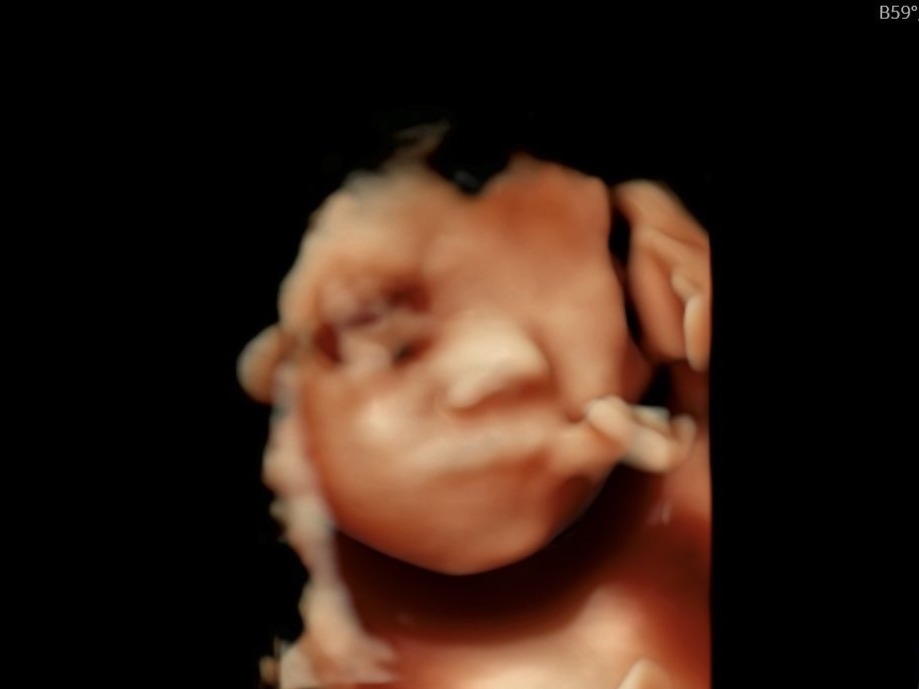
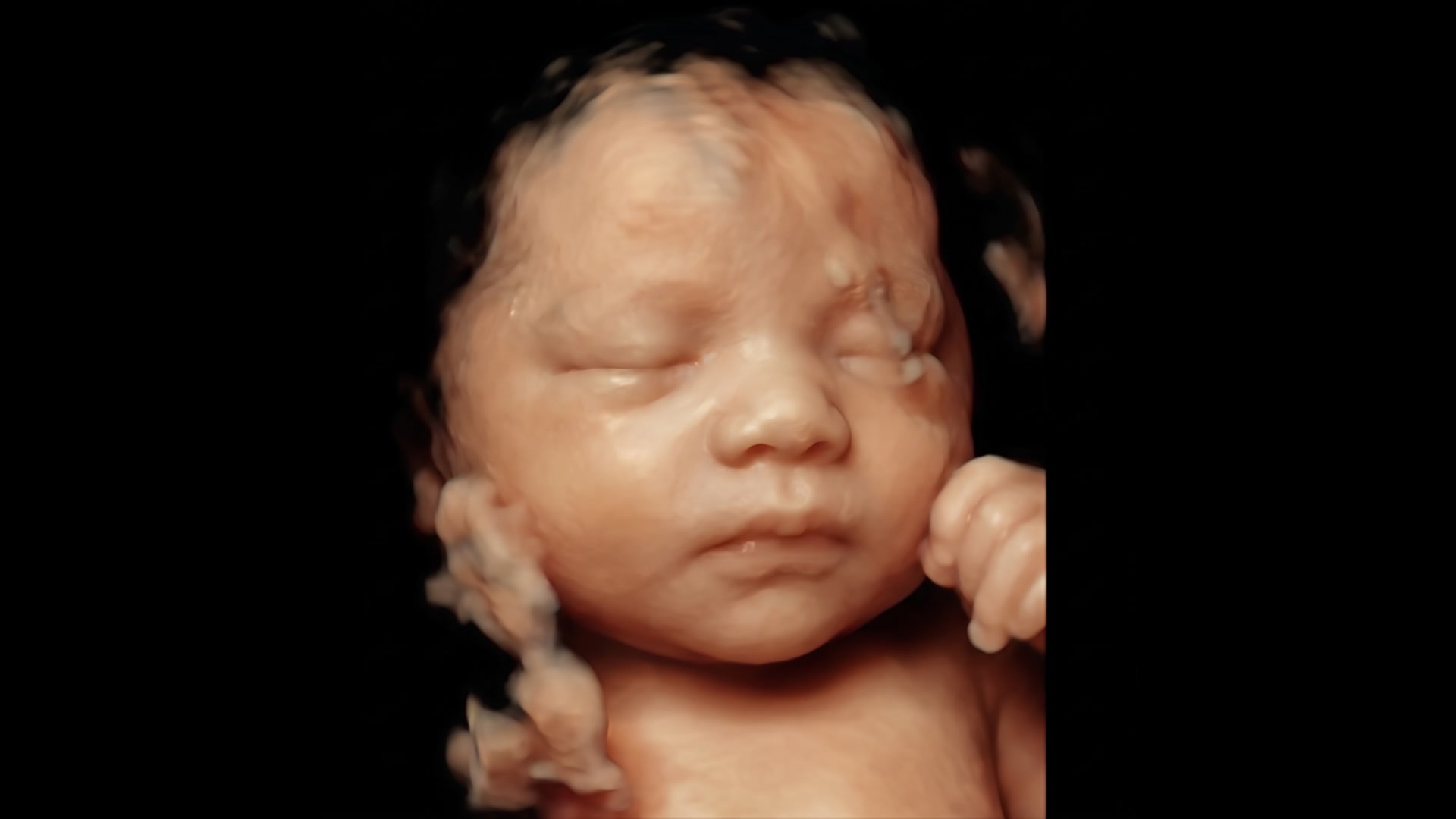
5s
For an ultrasound you already have
Convert a difficult-to-read 2D, 3D or 4D ultrasound into a photo-like HD baby portrait and a matching 5-second video. Compare the original scan with the generated result before you decide whether this kind of enhancement is right for you.
One-time voucher packs · No subscription · No free preview
Before and after
Local test case for layout and playback validation. Production publication requires an approved public example. The result is AI-created and is not a medical image or exact prediction.
iBabyGlow does more than sharpen pixels. It uses the visible scan as a starting point, combines it with clear photos of both parents and creates a new, realistic-style baby portrait. That makes the result easier to understand and share, but it also means the result contains generated detail.
Choose the right kind of tool
Searches for an ultrasound converter, editor or enhancement tool can describe different jobs. iBabyGlow is designed for the keepsake job: it turns the scan into a new artistic baby portrait and matching video.
Choose a useful input
The clearer the visible face in the source image, the more visual structure the AI has to follow. A difficult input can still produce a warm keepsake, but more of the result will be an artistic interpretation.
Use the highest-resolution frame available. A visible profile or face works better than a heavily shadowed view.
Often provides more visible surface shape around the nose, lips and cheeks for the portrait to follow.
Choose a still frame with minimal motion blur and as little obstruction across the face as possible.
For a step-by-step input checklist, read how to turn an ultrasound into a baby photo.
Upload one ultrasound and clear, front-facing photos of both parents.
Sign in and choose from the currently configured one-time packs. There is no subscription.
Get the HD baby photo first, followed by a matching 5-second video made from that photo.
Start with the ultrasound you already have. You will see current voucher options before purchase, and failed generations return the voucher automatically.